Chapter 16 — Bookmarks Aren't Knowledge Management — Reuse Is
Tools Installed, but Knowledge Still Scattered
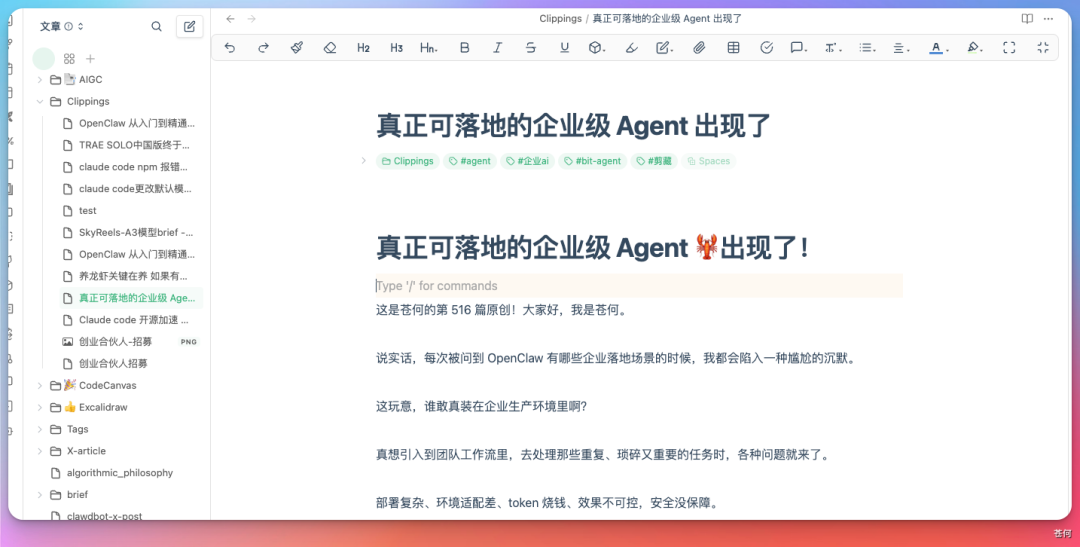
One step further: if someone uses WPS, ima, Obsidian, WeChat favorites, meeting notes and local files at once, how to divide labor to avoid "there's a copy everywhere, but no trustworthy one".
Decide the Source of Truth First, Then Connect Tools
A robust personal knowledge system can have many entry points but only a clear source of truth:
| System | Recommended role | Not recommended for |
|---|---|---|
| WPS / Kdocs | Work docs, sheets, collab notes and team knowledge | Being the sole backup of all private raw material |
| ima | WeChat-ecosystem collection, mobile Q&A and knowledge-base search | Storing second-hand conclusions with no source |
| Obsidian | Local Markdown, backlinks, topic wikis and long-term migration | Batch moving/renaming via automation without a backup |
| WeChat favorites / inspiration tools | Low-friction entry and temp inbox | Permanent archive and structured search |
| Feishu / Tencent Docs | Team collab, comments and published copies | Default-broadening the visibility of private material |
Scene 1: Inspiration Strikes, Just Note One Sentence
Inspiration fears two handlings: one is not writing it down in time; the other is the AI immediately expanding one sentence into an article that looks complete but has already drifted from the original intent.
- Inspiration Hunter: auto-classify and write into a Markdown inbox;
- ima-skills or ima: mobile capture, knowledge-base read/write & search;
- When an Obsidian local dir is the long-term source of truth, connect the Wiki Skill below.
Note the following into the "inspiration inbox", keeping my original words — don't expand, don't judge: "The real barrier to AI tools isn't the prompt, it's accepting the result."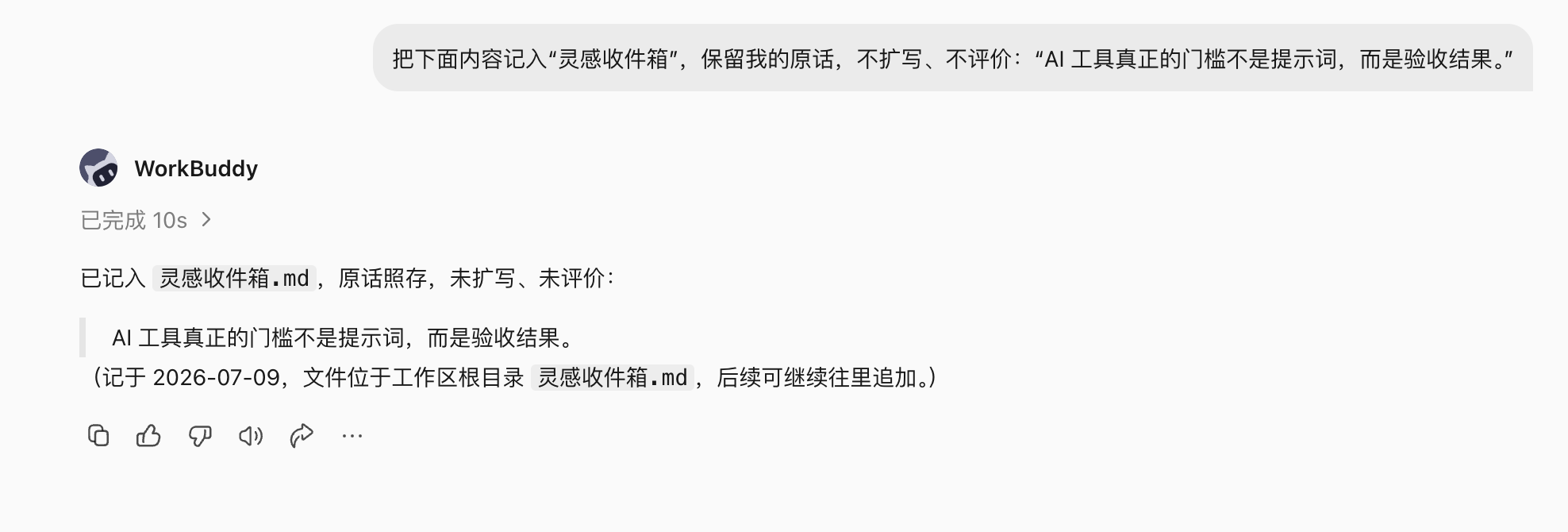
Scene 2: Many WeChat Favorites, but Still Can't Search When Writing
- WeChat Favorites Knowledge Base: export, classify, and optionally send to ima, Obsidian or Notion;
- URL to Obsidian: fetch a page, summarize and save to the Vault;
- WeChat Article Fetch: save WeChat articles as local Markdown.
Process this week's WeChat favorites, read-only, don't delete the originals.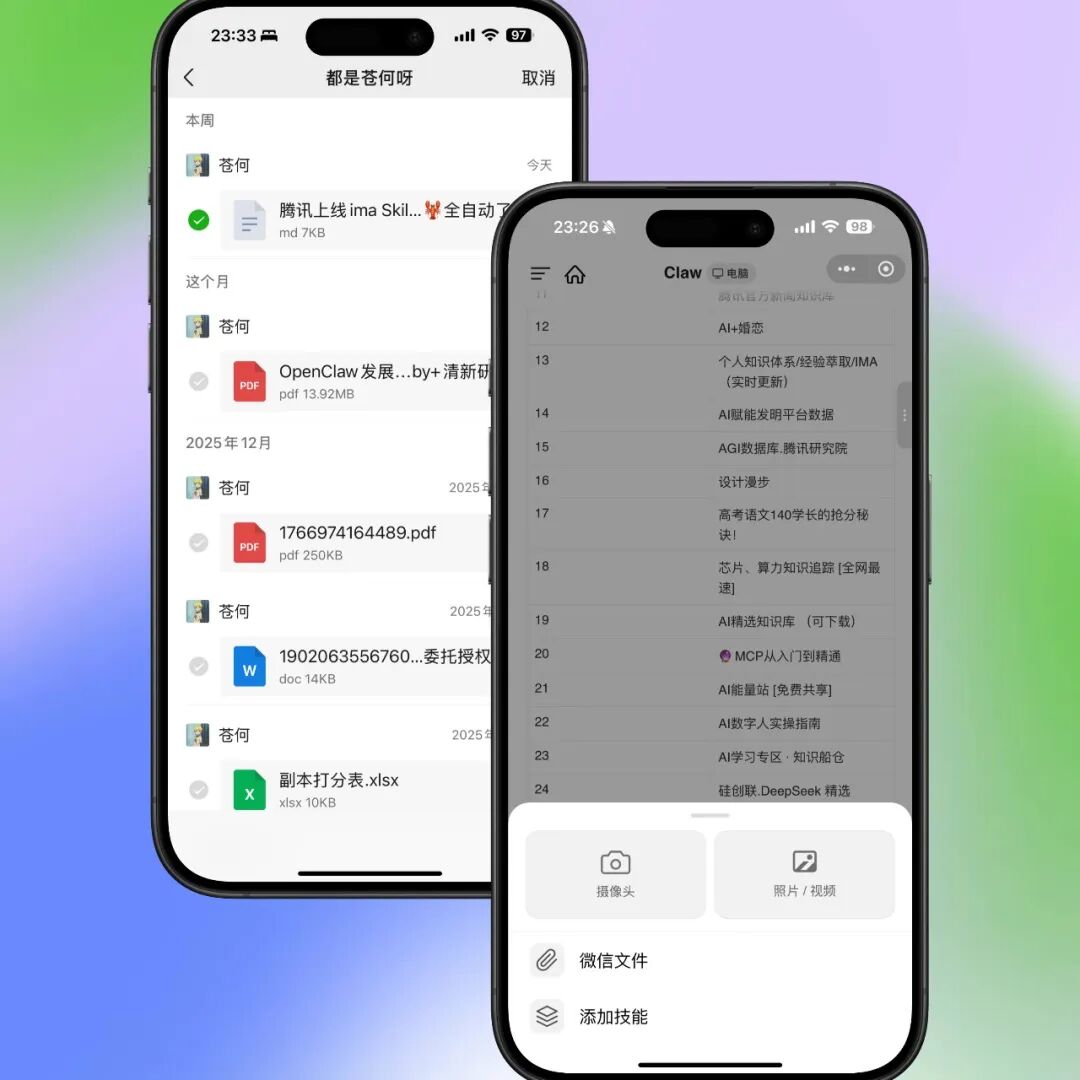
Scene 3: ima as the Mobile Knowledge Entry
ima's edge isn't "smarter Q&A" — it's mobile capture, knowledge-base read/write and WeChat-context handoff. When using ima-skills, first make the target knowledge base and write rules clear.
Put the 3 files I just selected into the inbox of the ima "WorkBuddy Case Library".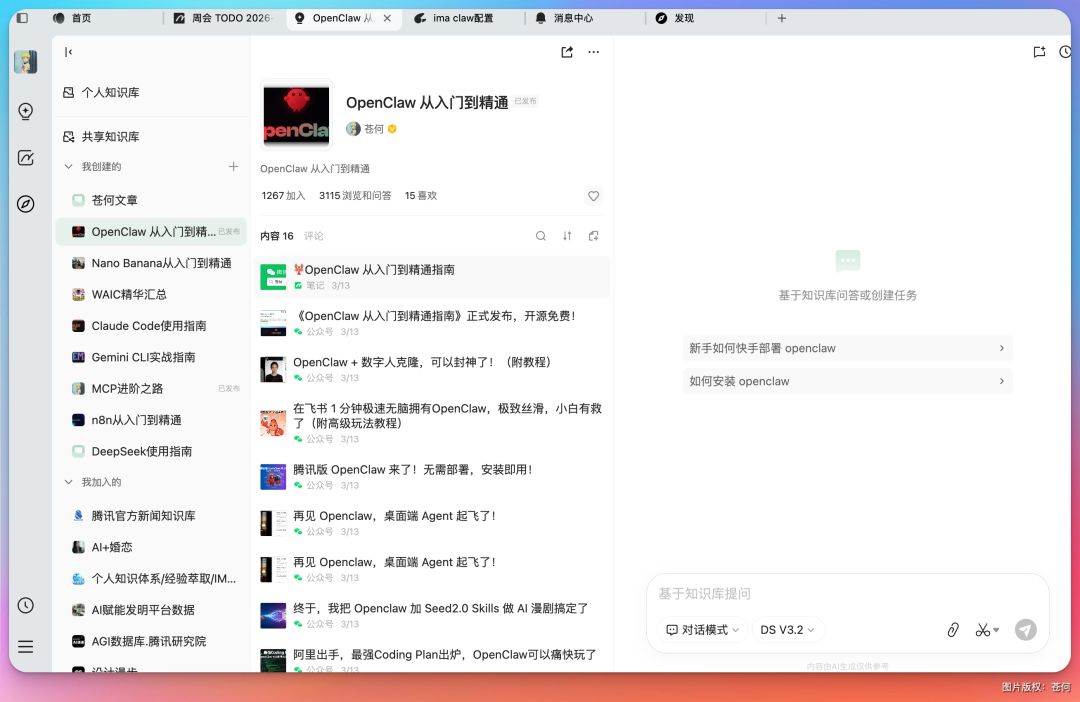
Scene 4: Obsidian Isn't a Folder, It's a Maintainable Wiki
- Obsidian Core Notes: maintain core notes, topic synthesis and directory links;
- Agent + Obsidian Long-Term Memory: read/write long-term memory after setting clear project boundaries.
Hand a WeChat article to WorkBuddy to parse, then ask it to drop it into the specified Obsidian material directory.WorkBuddy can recognize the article body and author, and generate a Markdown entry.